How-to · Android · v1.1.1
Guides
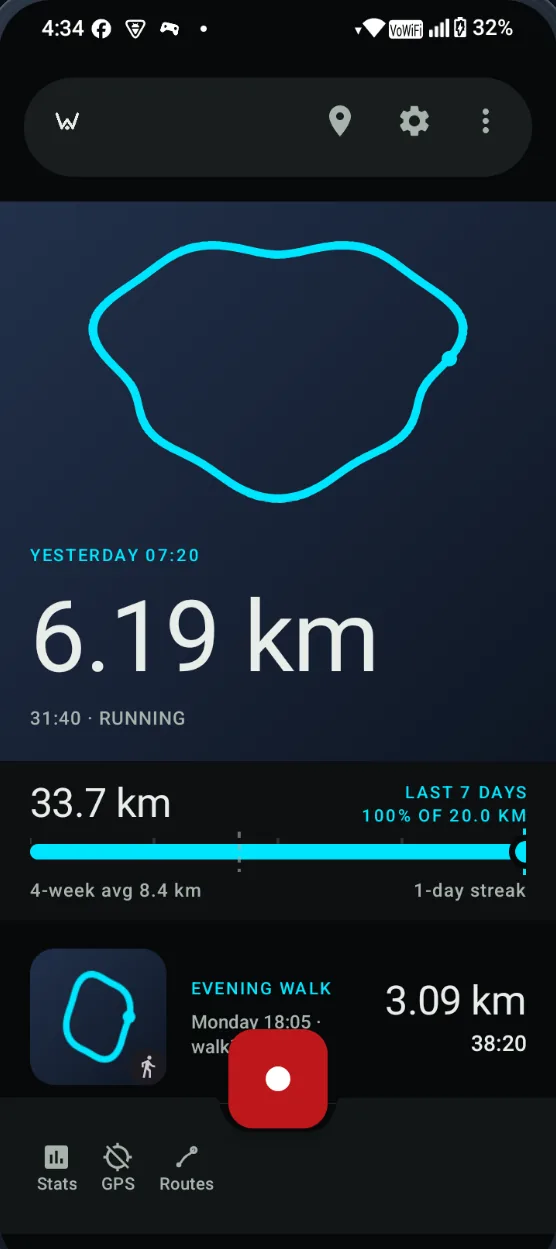
Five things Waykeep actually does, in the order you meet them: start a recording, drop a marker, read the numbers, understand the map, and render a share image. Every screenshot is taken from the app, not drawn.
01 · ≈ 5 minutes · 6 steps
Record your first activity
From a downloaded APK to a saved track in the feed. This is the shortest path through the app, using only the controls you see on screen.
Open the guide02 · ≈ 1 minute · 4 steps
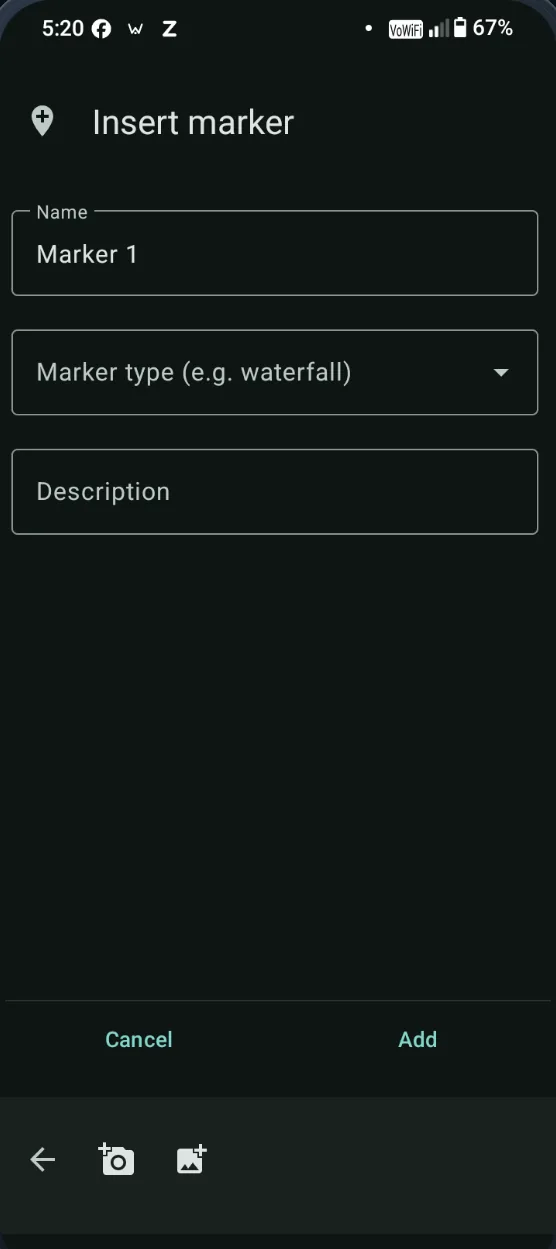
Mark a moment mid-run
A marker is a point on the track with a name and, if you want, a photo. It takes about twenty seconds and does not interrupt recording.
Open the guide03 · ≈ 4 minutes · 5 steps
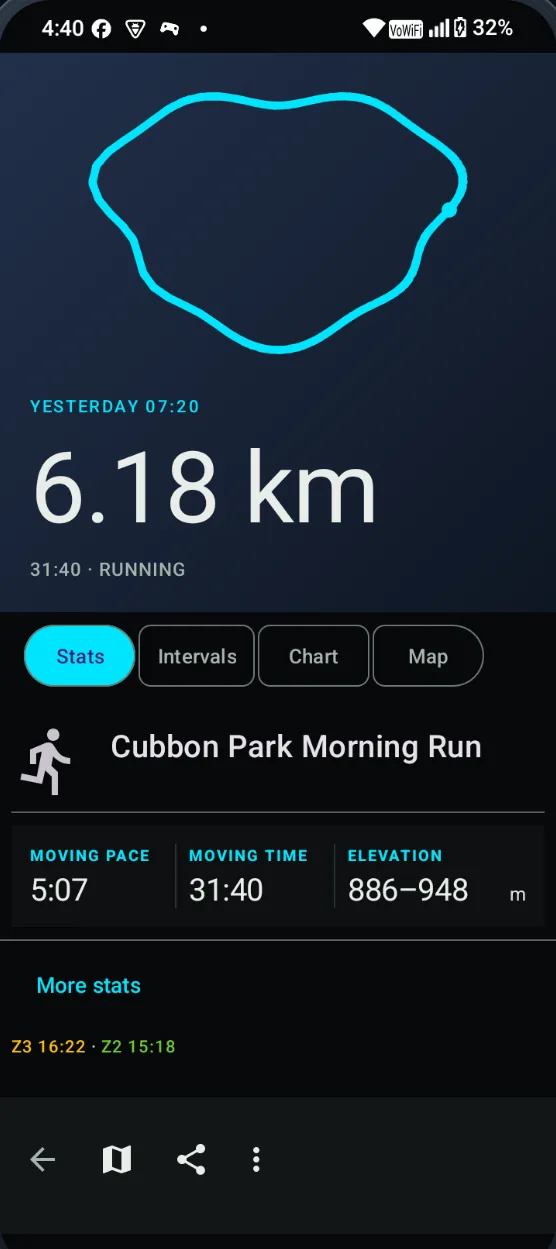
Read your stats and splits
Every saved track opens on the same four tabs: Stats, Intervals, Chart, Map. Here is what each one actually shows, and which figures are easy to misread.
Open the guide04 · ≈ 3 minutes · 5 steps
Use the map and offline mode
The map has two basemaps, a cache and an offline switch. It is a map of where you went, not a navigation app.
Open the guide05 · ≈ 2 minutes · 4 steps
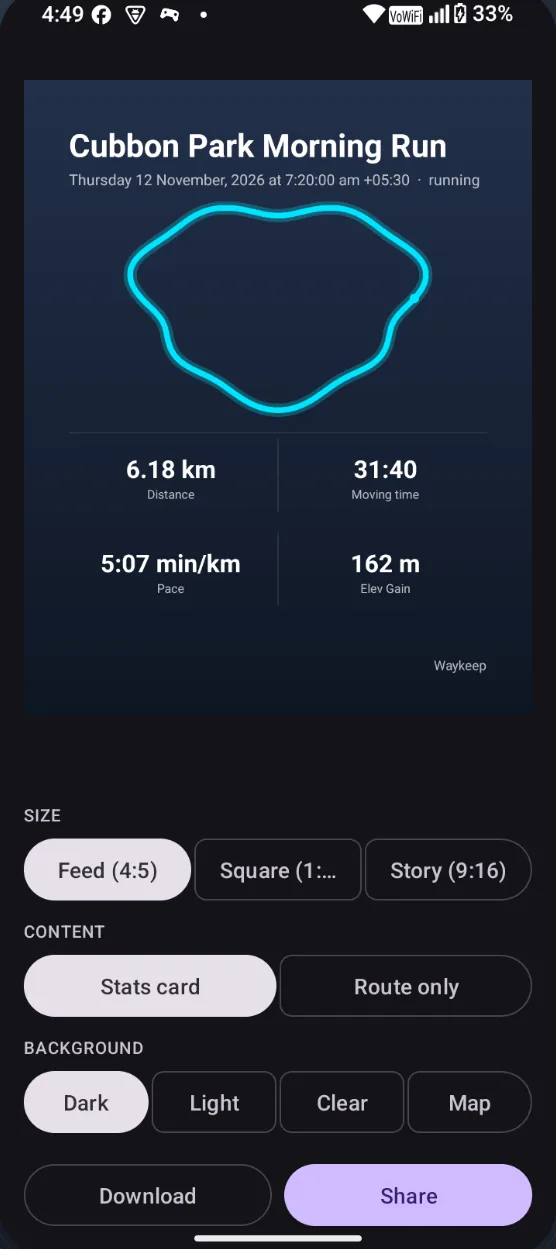
Share an activity image
The share editor turns a saved track into a square, feed or story image. Rendering happens on the phone; nothing is uploaded to make it.
Open the guide
Signed APK · 12.2 MB · Android 8.0+